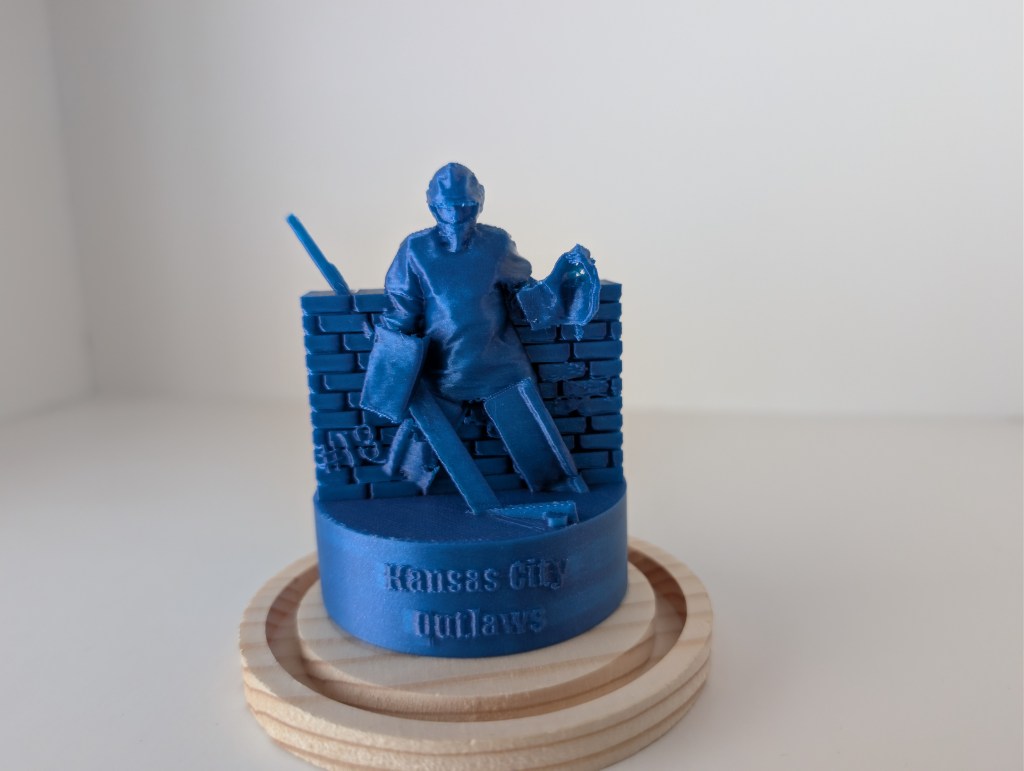
I have been a bit busy the past few months. This is in part because I was printing all my Christmas presents. Some of which were awesome, others were just frustrating. But I thought it would be nice to show one item that I have recently printed that connects to my other page.
My son is a 12U hockey Goalie for a local team. Since most of my family lives quite a distance from us I began streaming my son’s games on YouTube. (Albert-in-goal.com). Family being at a distance is a common problem for those in ministry, and I am fairly lucky because I still am within a five hour drive from most of my family, but that is still enough distance that you have to plan to get away. These games have been the other aspect of my life that has kept me from updating this website.
That all being said, when I first purchased a 3D printer I thought it would be fun to make a figurine, ornament, or snow globe of my son in his hockey gear. The problem 3D scanners are a bit expensive. the second problem I did not really know what to do.
Lucky for me, my family is amazing. Last year I was given a 3D scanner for Christmas, it is a Creality Ferret. This is a fairly inexpensive scanner and it does require a great deal of patience. I had a couple of really huge issues with this particular piece of hardware, the first is that the software used to run this scanner only works on Windows. I personally do not like Windows and have switched to Linux for 95% of all my personal computer use. (If you are interested in how to switch just ask I could give you some pointers). If Creality happens to read this post, PLEASE MAKE A CREALITY SCAN APP IMAGE FOR LINUX!!! The second issue I have with this scanner is that it loses tracking often. This second issue is largely user error. I just have not had enough time to play with the scanner. Those big issues aside because there are many ways to get around issues like that mainly you can use your cell phone to run the scanner. This thing is awesome! I was able to make a very good scan of my son in his gear. And have been able to make additional scans to make a goalie action figure.
My original goal though was to make the figurine to potentially make either a snow globe or ornament. This was my first project and one that I actually finished a while ago. But I had trouble finding the parts to make the globes. I found a great terrarium at JoAnn’s craft store. The problem is they only had one, and then they went out of business. This put the project on the back burner.
Eventually, I was reminded of the project I initially started and was able to find another terrarium at a different craft store. So I finally completed the figurine and placed the completed print within the terrarium.

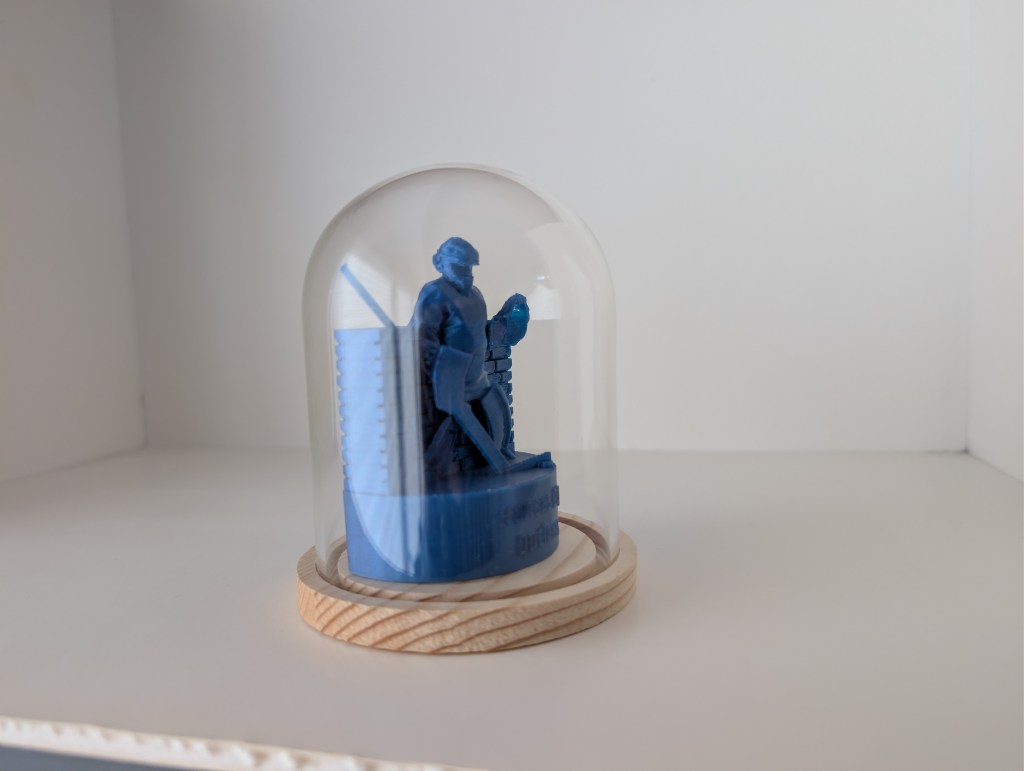

As I said the 3D scanning was a bit difficult, so I had to come up with some method to cover the areas of the scan that did not turn out well. Since a goalie is a brick wall in front of the goal, I thought that would make a good backdrop.
What did I learn from this? Well the first thing is that sometimes the ideas you have in this hobby can get sidelined for a while. The second thing is that 3D scanning is a lot more difficult than it appears. And the 3rd thing I learned is that you can really do almost anything you put your mind to.
If you have seen something you would like printed, please contact me.
 W3-Designs
Leave a comment